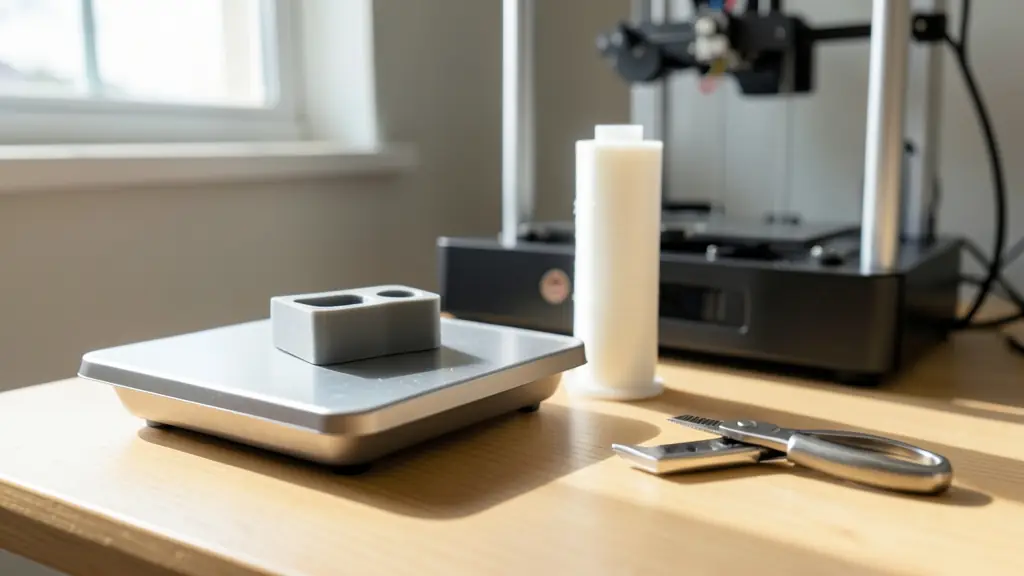
A 60 g bracket in PLA costs a few tens of rand in filament, and that is where most people stop counting. The printer also burns electricity for three hours, wears its nozzle, belts and build plate, and now and then a print lifts off the bed and goes in the bin. This calculator adds those up from the grams your slicer shows, so a quote from a bureau or your own price to a customer has a floor under it. For bureau rates, see 3D printing prices.
What goes into the figure
- Material: grams times the spool price per kg. The default price comes from published South African spool prices for the material you pick; type your own if you buy in bulk.
- Electricity: the printer's average watts while printing times the hours, at your price per kWh. A typical open frame printer averages about 90 W, an enclosed fast one about 110 W, and a big bed printer over 200 W.
- Machine wear: a rand figure per hour for nozzles, belts, build plates and the printer itself wearing out. No one publishes this, so the starting figure is our default. Change it to your own.
- Failures: 7% on top by default, for prints that fail and get reprinted.
- Labour: optional, for removing supports, sanding and packing.
Why grams from the slicer beat guesses
The slicer counts walls, infill, supports and the purge line, so its gram figure is the honest one. If you only have the part size, the calculator estimates grams the same way the print time estimator does: solid walls and skins, infill for the inside. Expect that estimate to be off by 10 to 20% on odd shapes.
Electricity is usually a small share for PLA, often under a rand an hour. It grows with ABS and PC on a hot bed, on a large printer, and when you run a battery and inverter through load shedding.
Using it to price a batch
- Print one part and weigh it, or read the grams from the slicer.
- Set the batch size: the material and power scale, the failure margin stays a share.
- Add labour per part if every one needs cleaning up.
- Compare the total with a bureau quote on 3D printing services. For ten housings by Friday, a print farm with idle machines often beats one home printer running all week.
Sources
- Printer maker B, power consumption page: average while printing PLA: small open frame 80 W, open frame 95 W, enclosed core XY 105 to 110 W, large dual nozzle 197 W; ABS 140 to 200 W; maximum at 220 V: small 150 W, open frame 1,300 W, enclosed core XY 1,000 W, large 1,800 W; drying in the maker's dryer units 80 W and 170 W
- Printer maker C, UPS backup for your printer: PLA, bed slinger: first layer 50 to 85 W, rest of the print 66 to 150 W; small printer 55 to 77 W; MSLA printer 25 W while stirring, 60 W while exposing
- Printer maker C, bed slinger product page: build volume 250 x 210 x 220 mm; 240 W power supply; power use PLA 80 W, ABS 120 W
- Printer maker C, enclosed core XY printer product page: 250 x 220 x 270 mm (large version 300 x 300 x 330 mm); 240 W power supply; power use PLA 90 W, ABS 110 W
- Printer maker C, 360 mm tool changer printer spec: 360 x 360 x 360 mm; average draw 235 W while printing, 550 W while heating up, 80 W on standby
- Filament maker B, PLA technical data sheet: density 1.24 g/cm³; nozzle 190 to 230 °C; bed 35 to 45 °C (smooth cool plate); drying 55 °C for 8 h; heat deflection 54 °C at 1.8 MPa, 57 °C at 0.45 MPa; Vicat 57 °C
- Filament maker C, PETG technical data sheet: nozzle 250 ± 10 °C; bed 80 ± 10 °C; density 1.27 g/cm³; heat deflection 68 °C at 0.45 and 1.8 MPa; material page: enclosure not required
Frequently asked questions
How much does a 3D print cost to make at home?
Where does the machine wear figure come from?
Why does a bureau charge more than this calculator shows?
Can I get quotes for printing these parts?
More calculators and tools
- Filament length calculatorGrams to metres and back, and how many parts one spool prints
- Print time estimatorPart size, solidity and printer: material volume, grams and hours
- Resin calculatorMillilitres, grams, bottles and cost for resin prints
- Print settings guideNozzle, bed, drying and enclosure for each filament
- Will it fit calculatorPart size against printer build volumes, flat, on its side or diagonal
- Backup power calculatorBattery and inverter size to finish a print through load shedding
- Nozzle flow calculatorVolumetric flow from nozzle, layer, width and speed, against hot ends